Chromebook Checklist - Prepare for Testing
Posted Date: 04/14/26 (12:04 PM)
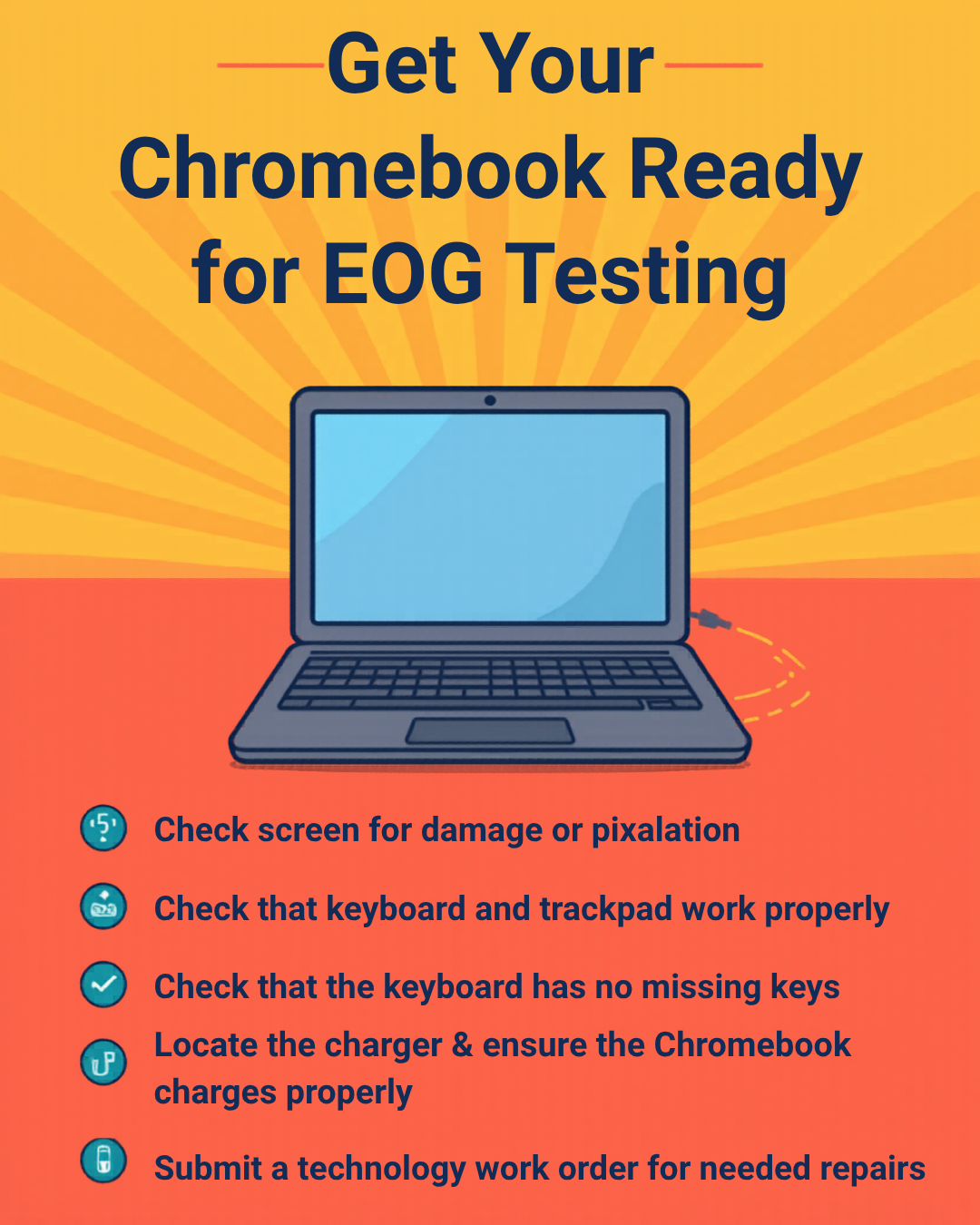
It’s the time of year to get Chromebooks in shape for EOG testing and end-of-year collection. Help your student(s) prepare for May by examining their Chromebook and charger using the checklist below:
-Locate the student charger ($25 fee will be added to student account if charger is not returned by May 20th)
-The Chromebook charges properly
-The Chromebook has a working screen, free of cracks or pixelation
-The Chromebook opens and closes properly, and the top and bottom is free of damage (cracks, missing plastic)
-The Chromebook has no missing keys and the keyboard cover (plastic around the keys) is in place
-Their name sticker is attached to the back
-Any personal stickers have been removed and the residue cleaned off
-The student submitted a workorder for any issues needing repair (under ‘Academics’ on RRMS website)
From the RRMS homepage, students can log into the Technology Work Order system so work orders can be viewed. The technology repair fees owed by students cannot be seen on their end, but students have been notified when they pick up their repaired device. Fee notifications have also been sent out quarterly to parents/ guardians through ParentSquare.
Payments can be made the following ways for repair fees:
1. Pay by cash or check at the RRMS office Monday-Friday 7:45am-12pm, or send it with your student to the Media Center. If check, be sure to include a phone number and student name. If cash, be sure to have the exact amount. Our staff cannot make change for you.
2. Pay online through the K12 Payment Center at www.k12paymentcenter.com. Be sure to include your student’s name in the memo box. Choose from the following options based on your balance:
-Fee for lost or damaged charger ($25)
-Fee for Chromebook replacement ($400)
-Fee for repair of Chromebook (insert the amount listed in the fee statement)